
Software service for Schüco and Jansen systems
We provide and support software solutions for Schüco and Jansen systems, from licensing and installation to updates, training and technical support. Our specialists help you select the right solution and ensure that your software stays up to date with the systems you work with.
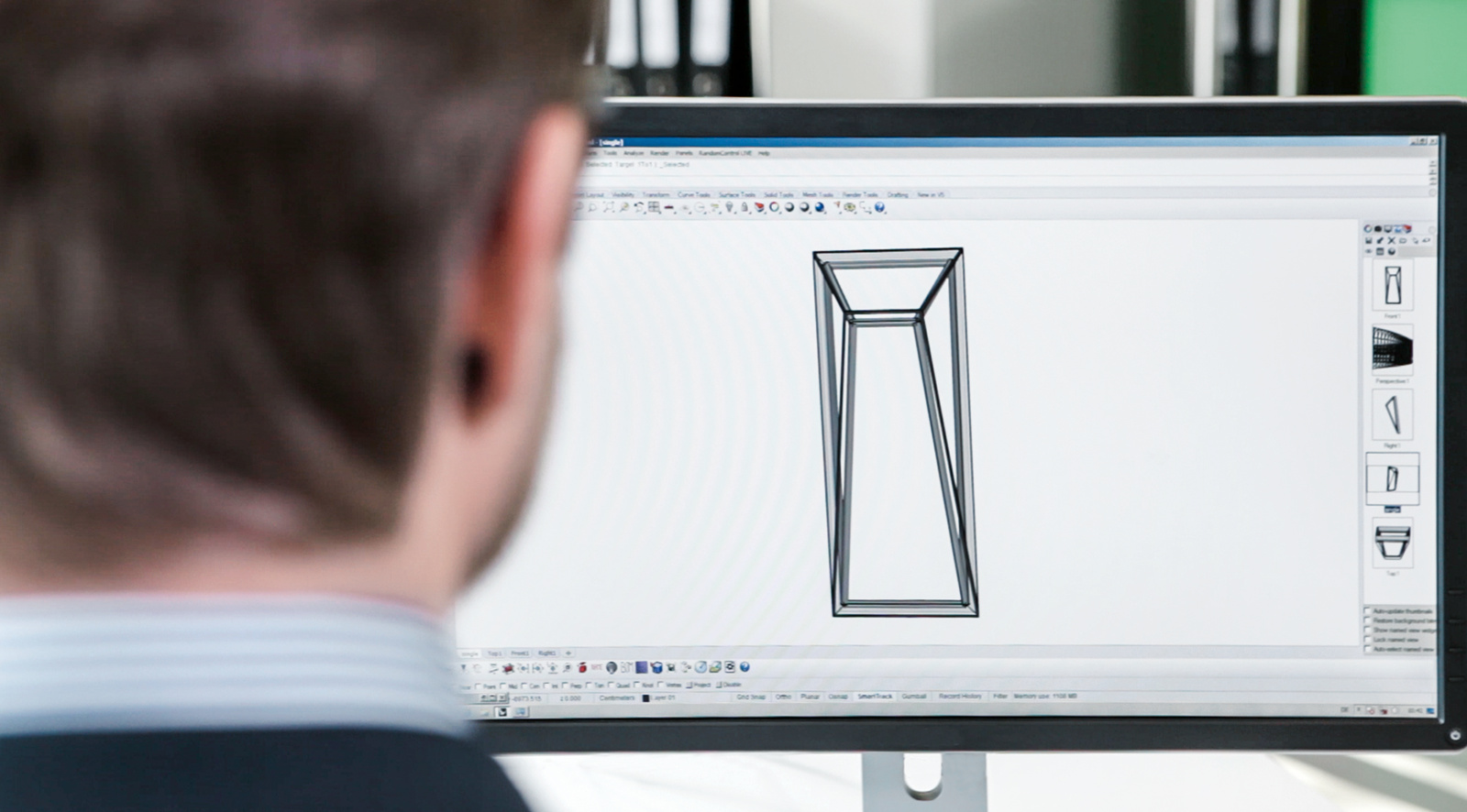
Our software services
From selecting the right solution to installation, training and ongoing support, our team assists you throughout the entire software lifecycle.
Selection and licensing
We help you choose the product level and the add-on modules that match your project types, your team size and your existing IT environment.
Installation and setup
Support for new installations, workstation rollouts and server configurations, including the preparation steps before an upgrade.
Updates and upgrades
Access to current software versions and system data, so your calculations run on the article data and price levels you are working with.
Training
Basic seminars for new users, plus focused sessions on add-on modules and on specific tasks in work preparation, workshop and installation.
Technical support
Direct support from specialists who understand both the software application and the systems behind it.
Interfaces and data
Guidance on connecting your software to CAD, to your ERP or production planning environment and to machine control, so data moves without manual re-entry.
The software we support
Our software portfolio supports the entire process, from calculation and design to fabrication, machine control and data exchange. Availability may vary depending on your market and the systems you fabricate.
Planning, calculation and order processing
SchüCal
Calculation and order processing for Schüco systems, available in the expansion levels basic, advanced and enterprise.
JANIsoft
Calculation and order processing for Jansen steel and aluminium systems, with the same three expansion levels.
Schüco PolyPlan
Online planning and specification software for PVC windows, doors and sliding systems. Elements are configured directly, with support for tender texts and quotations, and the digital product catalogue can be added to Revit as a plugin.
CAD and construction
SchüCad basic
Precise 2D drawings and standard constructions. The entry point for teams that need reliable drawings without a full CAD environment.
SchüCad next
The current CAD generation for workshop drawings. Extended construction commands, a large component library, 2D and 3D, including complex geometry taken over from SchüCal.
ATHENA Complete |SE
The advanced solution for metal fabrication. A standalone application with a standard parts library, sheet metal processing, building physics calculation tools and an integrated SchüCal interface.
Schüco DrivePlanner
An online tool for selecting and dimensioning drive systems for Schüco windows, doors and façades, so the drive is matched to the element while the project is still being planned.
Fabrication, machine control and commissioning
SchüCam
Machine software for profile machining centres. Profiles, tools and machining steps are visualised before the data goes to the machine, and the software is operated the same way at the office workstation and at the machine.
Fabrication Data Center
An information terminal for paperless fabrication that brings drawings, bar cards and processing data directly to the assembly workstation.
Schüco ETA
Engineering Tool Automation: the commissioning and configuration software for mechatronic Schüco elements such as TipTronic SimplySmart. Elements, functions and settings are configured from a laptop within the Schüco Building Skin Control platform, including remote access to installed systems.
Data, documents and interfaces
Schüco BIM Manager
Cloud-based exchange of BIM data between planners and fabricators. Elements move from Revit into SchüCal, are processed, and return to the model without sending files back and forth.
EDI interface
A direct connection between your ERP system and the manufacturer ERP system, so order data does not have to be entered twice.
AKS TechDoc
Our documentation platform for system documentation, fabrication information and technical documents, available as a web, mobile and local application.
From licence to first project
We support you from selecting the right solution through installation and training to ongoing technical support.
Requirements
We look at your project types, your team and your current setup, and recommend the product level and the modules that fit.
Installation
We support the installation on your workstations and server, including the preparation steps that avoid data loss during an upgrade.
Training
Your team starts with a basic seminar and moves on to the modules relevant for your work preparation and your workshop.
Ongoing support
Version updates, current system data and direct technical support keep the software aligned with the systems you fabricate.
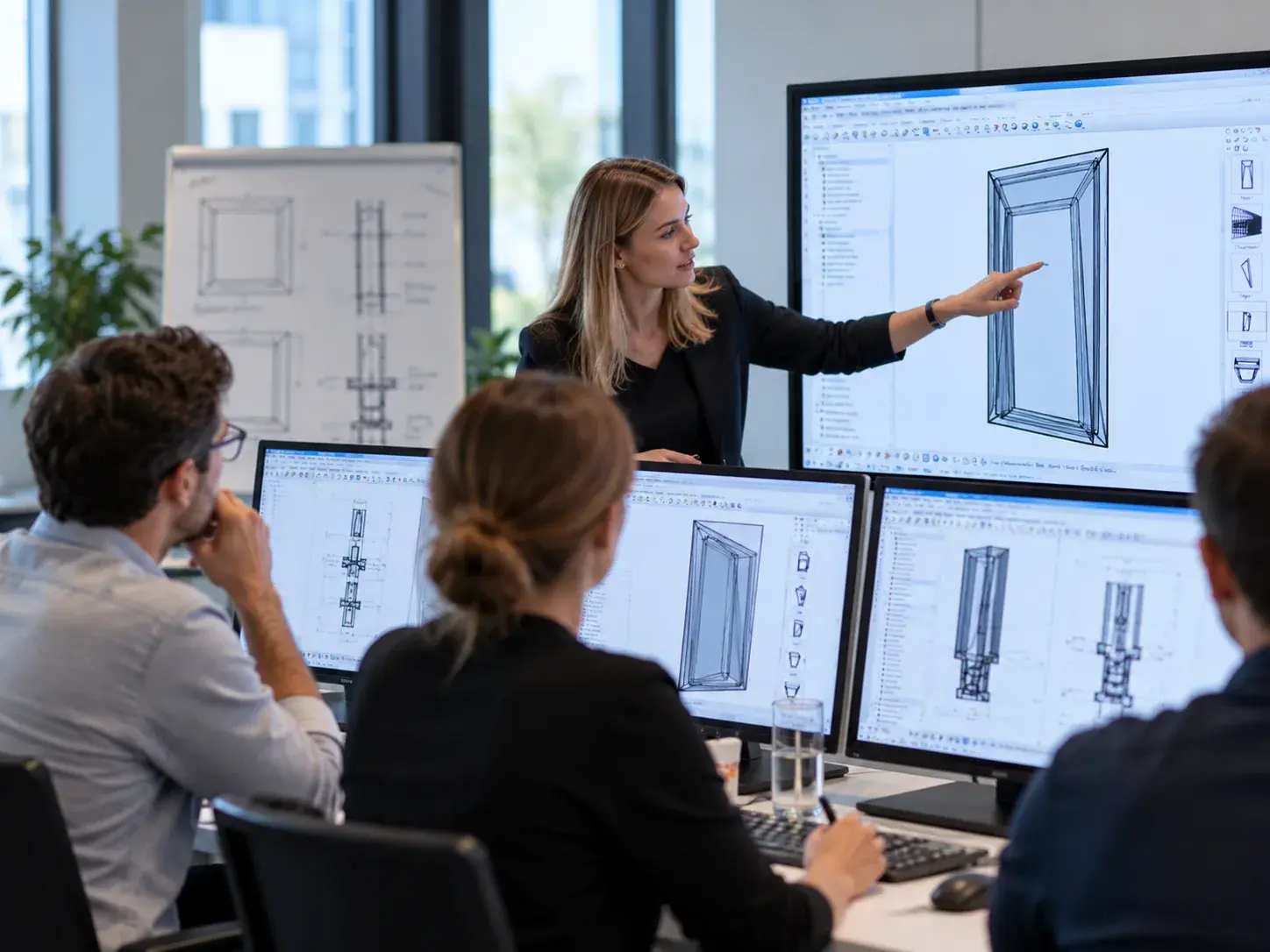
Software training for your team
Make the most of your software with practical training for new and experienced users.
- Fundamentals seminar for new SchüCal and JANIsoft users
- Sessions on add-on modules and interfaces
- Practical training for work preparation and fabrication workflows
- Online tutorials and seminars at our showroom
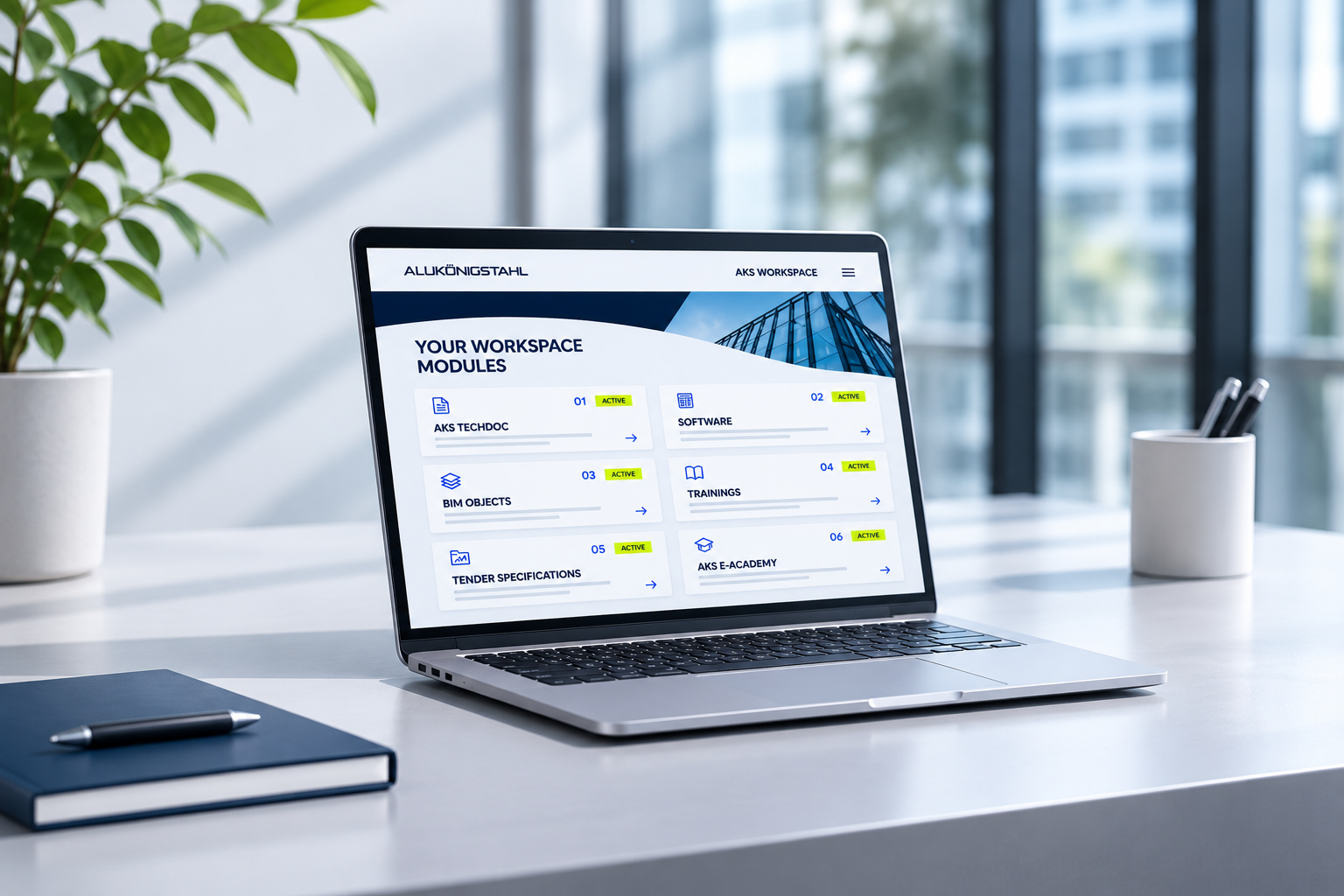
Downloads in the AKS Workspace
Registered users can access current software versions, installation instructions and version information in the AKS Workspace. Before an upgrade, we recommend checking the relevant installation instructions for system requirements, backups and the recommended update process.
Planning Guides
Training Documentation
Specification Templates
Software support with system expertise
System and software expertise
Our specialists understand both the software and the systems behind it, allowing technical and application-related questions to be addressed together.
Local support
Get support from specialists in your market and, where available, in your local language.
Connected workflows
Calculation, CAD, fabrication data and machine control work together, allowing project data to flow consistently through the process.
One partner across the workflow
Our software specialists work alongside the technical consultants who support your systems, so a question that starts in the software can be resolved at the system detail.
Frequently asked questions
Related services
Services overview
Part of the services we provide to fabricators and planners across the project.
Calculation services
Technical calculations and verification support for your projects.
AKS Techdoc
System documentation, fabrication information and CAD data on our documentation platform.
Talk to our Software Service team
Whether you are choosing your first software solution, planning an upgrade or need technical support, our specialists are here to help. Tell us which systems you work with and what you need, and we will help you find the right solution.